Accounts
Signing up and signing in#
LETR WORKS uses social accounts for sign-up and sign-in. If this is your first time, press the start button for the account you want to link.
Managing your account#
Open your profile at the top right and choose Settings.
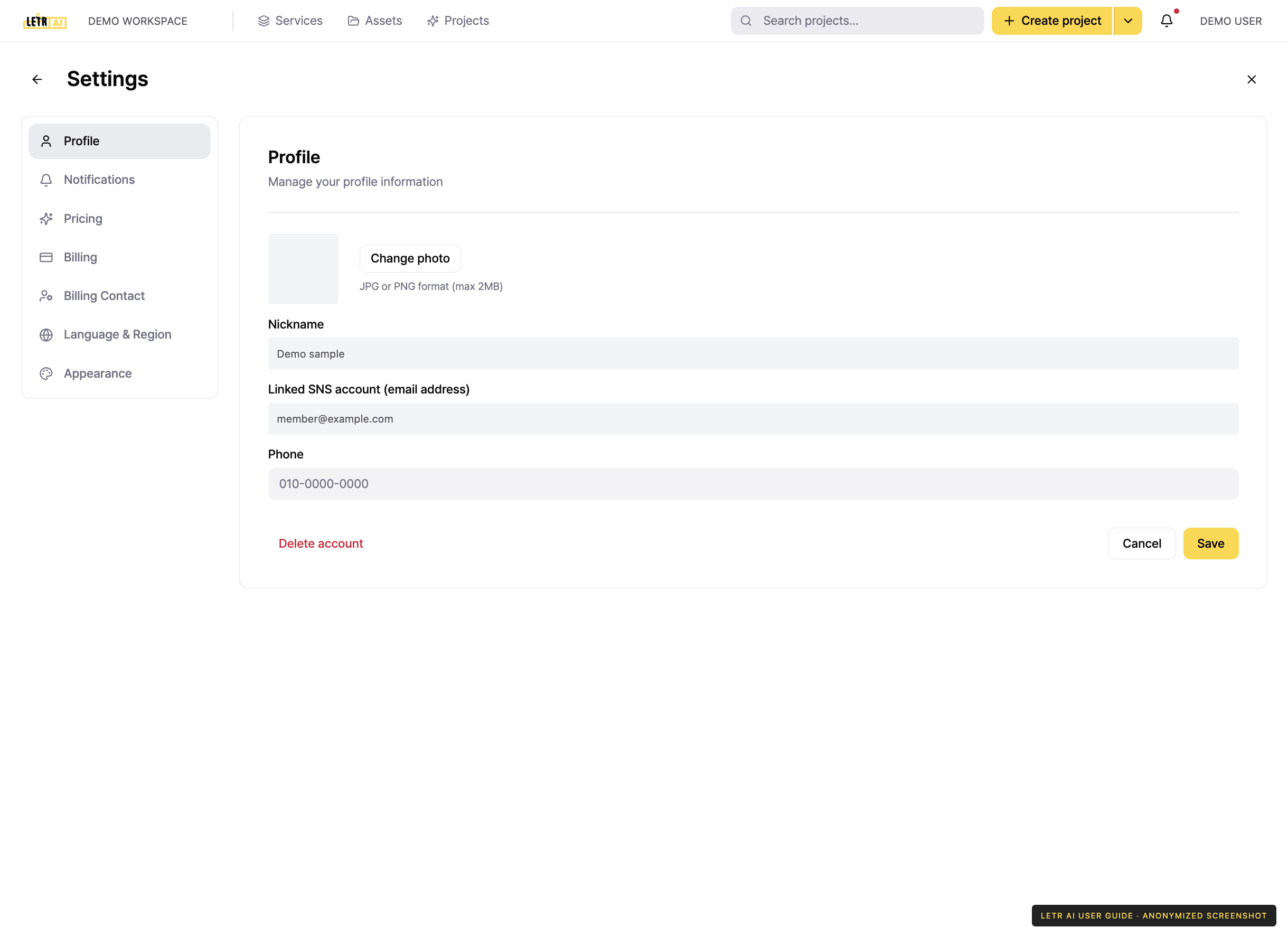
The left side of Settings holds these sections.
| Section | What it covers |
|---|---|
| Profile | Photo, nickname, phone number, delete account |
| Notifications | Which notifications you receive and how |
| Pricing | View and change your plan |
| Billing | Payment methods and invoice history |
| Billing Contact | Who receives billing notices |
| Language & Region | Interface language and time zone |
| Appearance | Interface theme |
Editing your profile#
- Open your profile at the top right and choose Settings.
- In Profile, edit your photo, nickname, and phone number.
- Press Save.
The email address of the linked social account cannot be changed. Profile photos accept JPG or PNG format, up to 2MB.
Language#
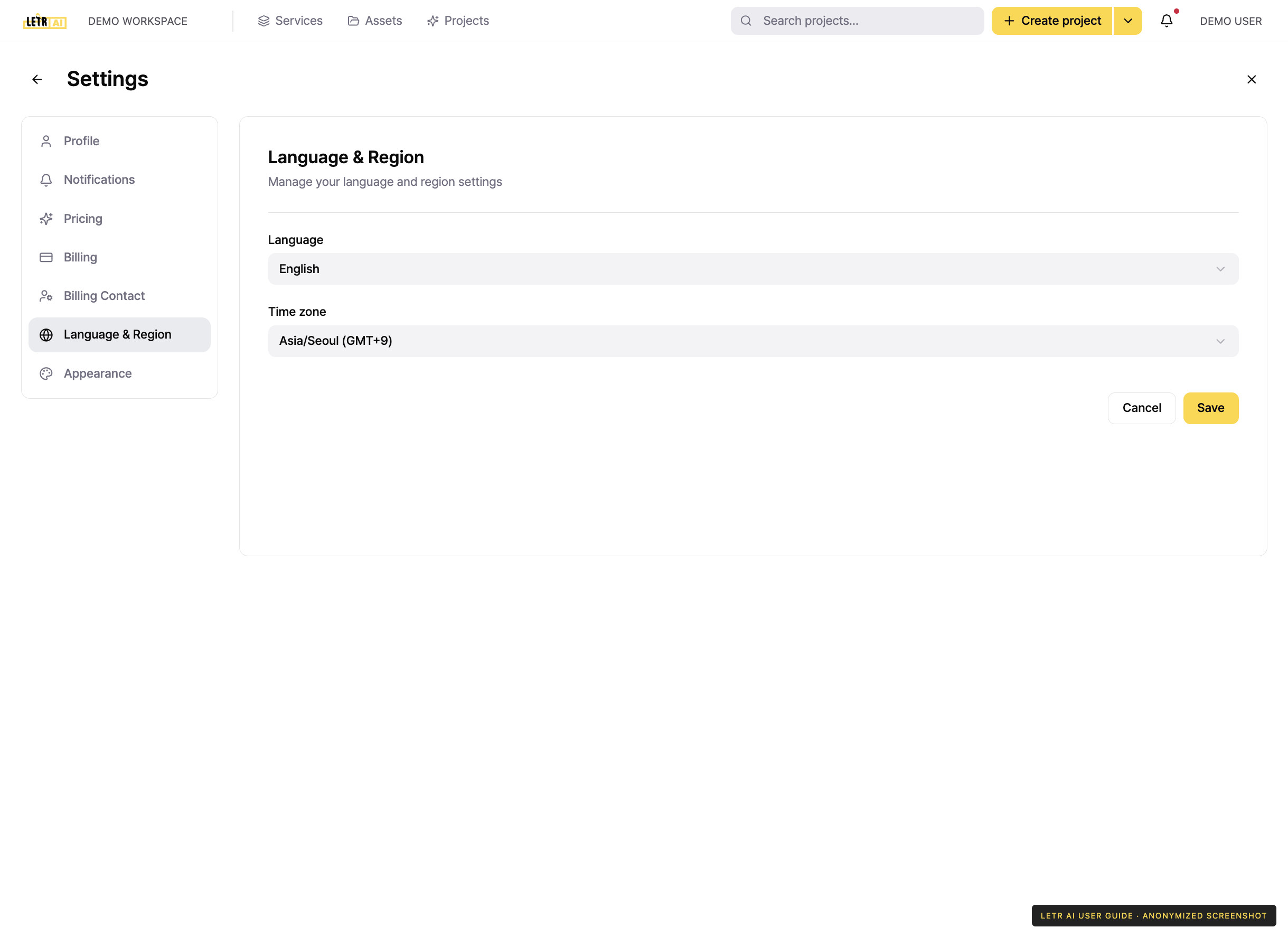
Choose the interface language — Korean or English. The setting is stored on your account, so it applies on every device you sign in from.
Deleting your account#
Use Delete account at the bottom of Settings > Profile.
Notifications#
Press the bell icon at the right of the global header to see the notifications you have received. A red dot appears on the icon when something is unread.
The screen separates notifications from announcements. Turn on the "show read notifications" option to include ones you have already seen.
Choose which notifications you receive in Settings > Notifications.
Account and contact details in screenshots are anonymized. Menus may vary by role and release.