
Editors
The editor is where the localization work actually happens. Opening a project loads the editor matching its content type.
Video editor#
Work on subtitles while watching the video and its waveform.
Document editor#
Work sentence by sentence with source and translation side by side.
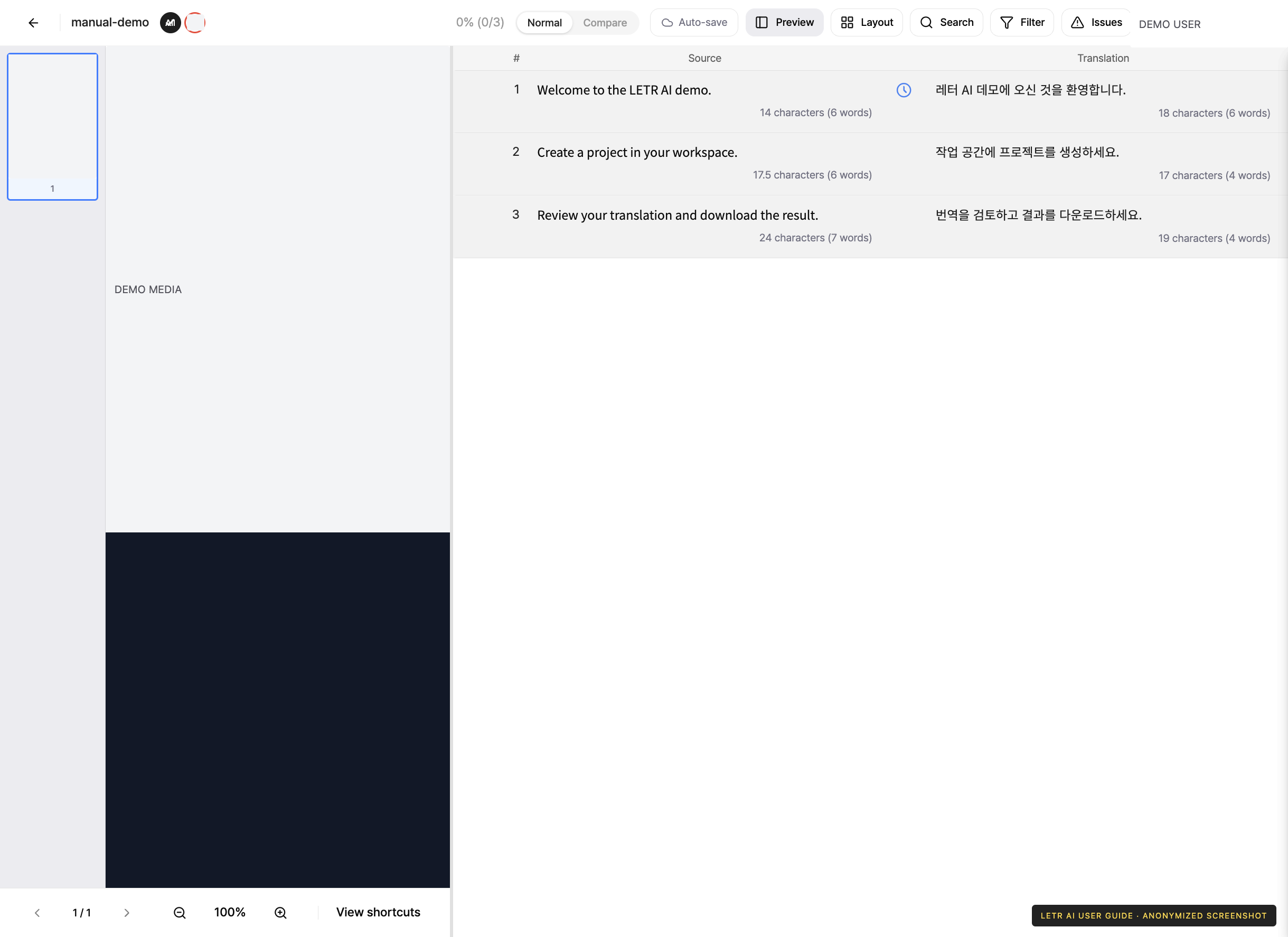
Image (webtoon) editor#
Mark text blocks on the image and fill in a translation for each block.
Shared tools#
Whatever the editor, the same toolbar sits at the top right.
| Button | What it does |
|---|---|
| Layout | Change how the panels are arranged |
| Search | Find sentences and replace text in batch |
| Filter | Narrow the list to the sentences you want |
| Issues | Raise and review issues on sentences |
| Manage | Project information, work assignment, and history |
Account and contact details in screenshots are anonymized. Menus may vary by role and release.