
Workspace assets
Assets are the reusable resources that build up in a workspace — uploaded source files, people, glossaries, and translation memories.
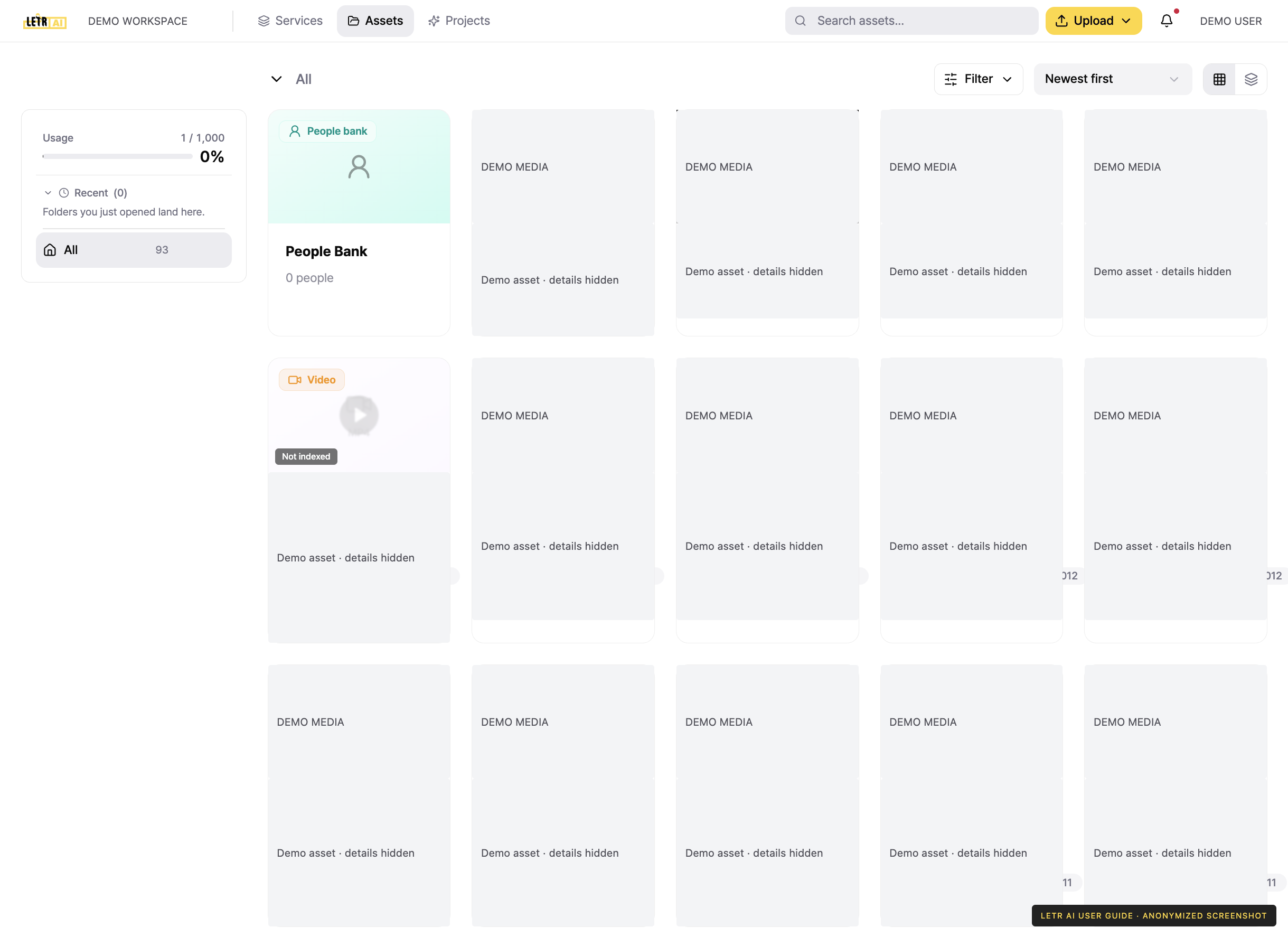
Press Assets in the global header to see everything registered in the workspace, laid out as cards. The left side shows this cycle's usage and folders; the top right holds Search and Upload. The People Bank sits first in the card list.
Kinds of assets#
| Kind | Description |
|---|---|
| Image · Video · Document · Audio | Files you uploaded or that projects produced |
| Translation memory | Source–translation pairs accumulated from earlier work |
| Glossary | Terms with a fixed, agreed rendering |
| Dataset | Bundled material for training or analysis |
| People Bank | People shared across the workspace, recognized in any project |
Status badges#
A badge on the card tells you whether the asset is ready to use.
- Indexing… — the uploaded file is being turned into an asset.
- Not indexed — not yet indexed for search and matching.
- Indexing — indexing is running. You can run it again from Indexing status on the asset detail screen.
People Bank#
The People Bank is the list of people shared across the workspace. Every title sees the same bank — voiceprints and faces from video and name calls from webtoon all resolve to one person. People who have not been reviewed yet are shown in orange.
Account and contact details in screenshots are anonymized. Menus may vary by role and release.